Dearflow for Investors: Your Secret Weapon for Managing Deal Flow and Saving 10+ Hours Weekly
Written By Dearflow Team
Last updated About 1 year ago
As an investor, your inbox is often flooded with startup pitches, follow-ups, and updates from founders. Managing investor emails shouldn't feel like a full-time job. If your inbox is a chaotic mix of pitch decks, updates, and meeting requests, you're not alone. Dearflow transforms that chaos into clarity. With a hyper-personalized and proactive AI assistant, you’ll save 10+ hours every week while staying fully in control of your deal flow.
Customize Space — Organize Your Startup Pitch Emails
With Dearflow, you can create a dedicated Space like "Startup Pitches" to group these emails separately.
For example if you are an investor, spaces like “Startup Pitches”, where you’re likely receiving a mix of cold outreach, warm intros, and investor updates. Here are a few example rules you can type:
“emails from founders pitching their startup”
“all emails messages that include pitch deck, fundraising, or investor update”
“cold emails from startup teams”
“emails that mention pre-seed, seed round, or Series A”
“introductions from scout@domain.com or referrals from other founders”
Never Lose a Pitch Deck Again with Auto-Docs
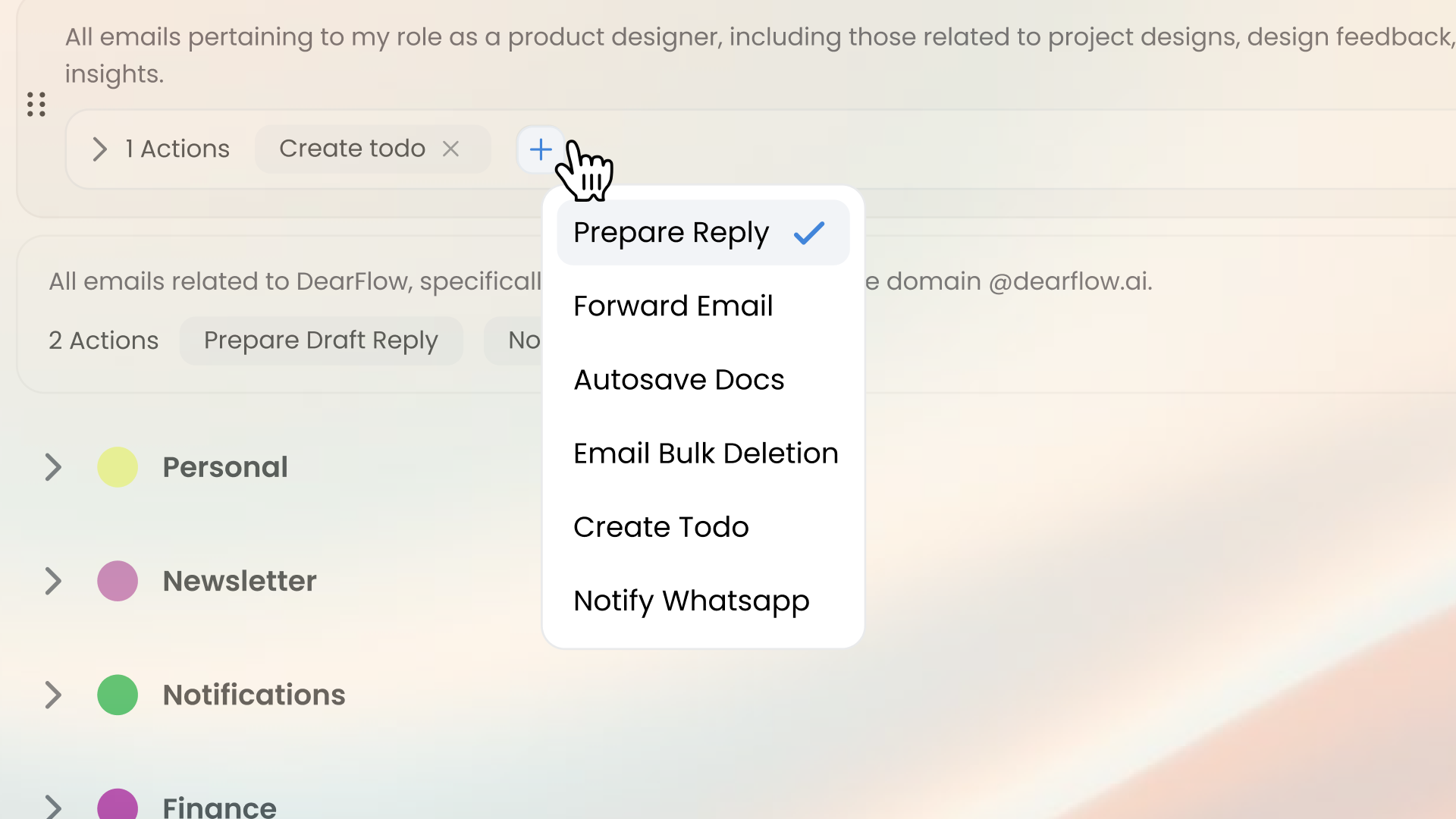
After emails are filtered into the right Space, Dearflow can automatically save attachments such as pitch decks, cap tables, or one-pagers using Docs Keeper. This ensures you never lose an important document in a long thread. Everything is stored in one place, organized for quick access when you need to review or share it with your team. For example : “all emails messages that include pitch deck docs” and then you select action “autosave docs”
Custom Writing Style with Detailed Instructions
With Dearflow, you’re not limited to a generic tone. Flora adapts to your unique communication style and lets you set specific instructions for different situations. For example, you can tell Flora:
“If someone sends a startup pitch, reply with a polite message and include my calendar link so we can schedule a call.”
Flora will prepare a reply like:
“Thanks for reaching out — I’d love to hear more about your startup. Feel free to book a slot that works for you [insert calendar link].”
You can create multiple personalized scenarios — from warm intros to polite declines — all tailored to how you want to communicate.
Follow-Up & To-Do Suggestions to Stay on Track
If an email hasn’t been replied to in a few days, Flora nudges you with a friendly reminder like: “Want to follow up on this pitch from earlier this week?” You can also convert emails into actionable tasks with one click, helping you track everything from due diligence steps to pending founder responses. Flora even prioritizes tasks based on urgency and conversation history, so you’re always on top of your pipeline. This proactive follow-up system ensures that no warm lead, founder conversation, or partnership opportunity falls through the cracks — giving you the peace of mind that nothing important gets missed.
Approve or Ignore with One Click
Flora will always suggest the most relevant action — whether it’s drafting a reply, saving docs, scheduling a meeting, or archiving. You stay in full control with simple options to approve or ignore. It’s like having a chief of staff for your inbox, but without the overhead.
Snooze for Later Review
Busy day? No problem. You can snooze any email for review at a better time. Flora will surface it again when you're ready — so nothing gets forgotten, and your attention stays where it's most valuable.